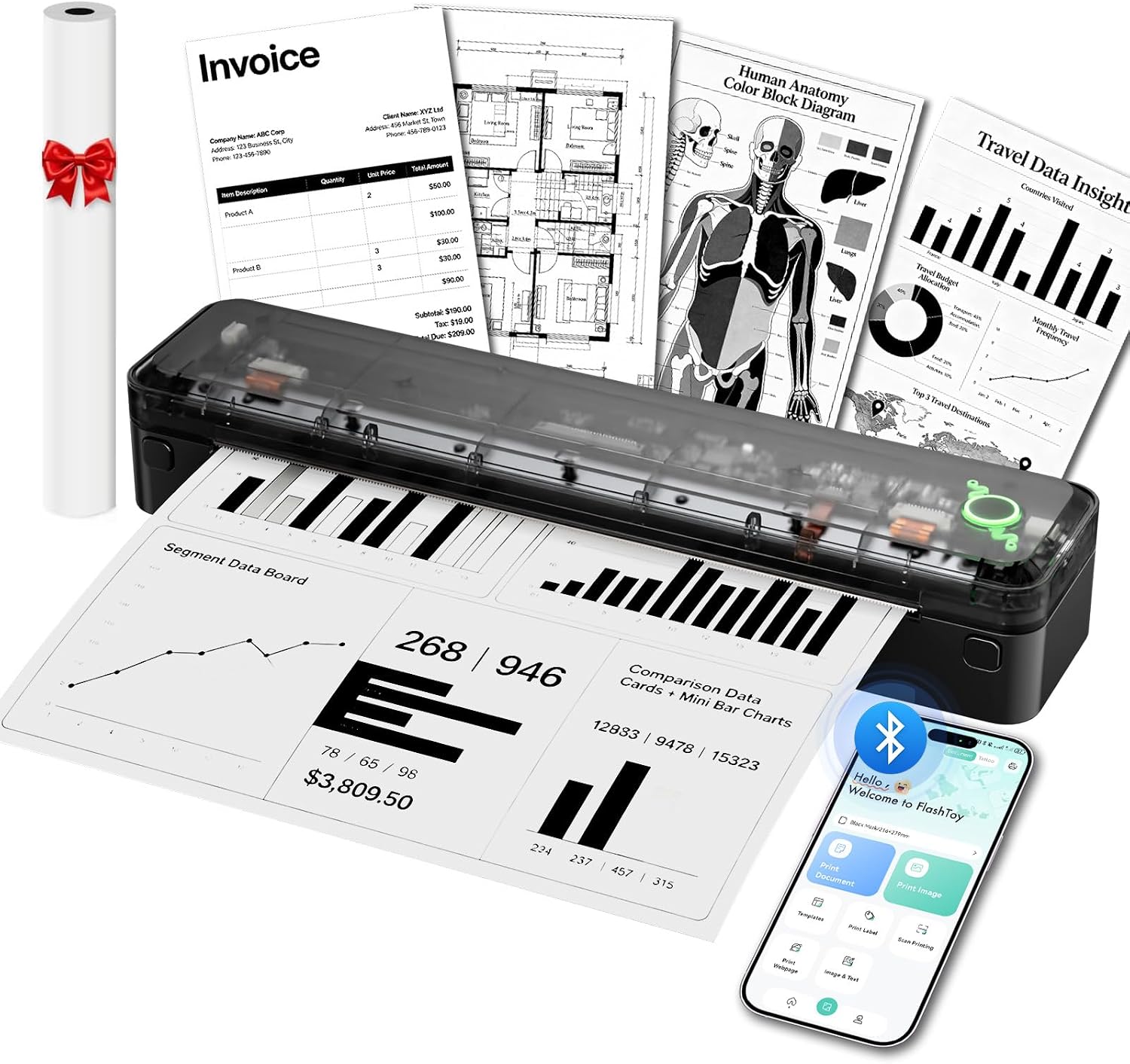
Warm Tips:
1. Only support black and white printing, Does Not support color printing.
2. Only thermal paper and Only A4 & US letter size thermal paper can be printed.
Note: Print size is too small.
1. If your print appears too small, use "Crop & Rotate" in the FlashToy app to remove blank margins.
2. Make sure the selected paper type and size match your actual paper before printing.
Can I use regular paper(copy paper)?
Supports thermal paper only!! Not compatible with other standard paper or copy paper.
How to Fix Blurry Printouts?
I. Press both sides of the cover shut.
II. Gently press the printhead to check it springs back.
III. Clean the cooled printhead with an alcohol wipe.
IV. In FlashToy, select "Print Document" or "Image Print".
V. Adjust the filter and threshold.
Why does my printer feed too much paper when using a thermal paper roll?
To avoid excess feeding, set Paper Type: Roll—Continuous; Fanfold—Black Mark; Single Sheet—Single Sheet.
Mobile: FlashToy app > Paper Type.
PC: Settings > Bluetooth & devices > Printers & scanners > A8 > Printing Preferences > Paper Type.
How to Print from Your Phone via Bluetooth?
I. Download the "FlashToy" app from the App Store or Google Play.
II. Connecting to Bluetooth through the "FlashToy" APP.
Note: Do NOT connect the printer through your phone's Bluetooth settings. Always connect through the FlashToy app.
How to Connect the Printer to a Computer?
I. Please visit ".com" to download the driver, then connect via USB.
II. Windows supports Bluetooth printing, download and install the Bluetooth driver first.
Warm Tips:
Only
Only thermal paper
Note: Print size is too small.
"Crop & Rotate"
selected paper type and size


Product description
Bluetooth Inkless Thermal Printer – Thermal Paper Only
Print Anywhere, Power All Day——3000mAh Long Battery
Portable Printer for Travel & Mobile Office
Designed for Thermal Paper Only — Not for Regular Paper